The Number That Should Alarm Every Developer
CDC physical activity surveillance data reports that U.S. adults average 9.5 hours per day in sedentary behavior — and office workers sit at the high end of that distribution. For software engineers and developers, the number is almost certainly higher. A standard eight-hour workday of coding is typically bookended by a commute, a lunch break spent at a screen, and an evening on the couch. Add it up and many developers are sedentary for 11 to 13 hours in a given waking day. That is not a lifestyle quirk. That is an occupational health exposure.
BLS Occupational Employment and Wage Statistics classifies more than 100 million U.S. workers in primarily seated occupations. Software developers, quality assurance engineers, and DevOps specialists all fall squarely in that category. The scale matters: this is not a niche population with a niche problem. It is the single largest occupational exposure cohort in the American workforce, and the ergonomic interventions available to them — including sit-stand desks — are underutilized relative to the documented need.
This article is written specifically for developers and engineers who spend most of their working hours at a keyboard. It covers the biomechanics of what sustained sitting does to a developer's specific postural pattern, the free interventions that should come before any purchase, clinical signals that mean the problem has moved beyond desk adjustments, and a short list of standing desks that are actually engineered to handle the demands of a dual-monitor, peripherals-heavy developer workstation.
Why Developers Get Hurt Differently: The Biomechanics of Code Posture
Not all seated work creates the same injury pattern. A truck driver sits with a vibrating lumbar load and extended hip flexors. A cashier sits with asymmetric spinal rotation. A developer sits with a very specific constellation of stressors: sustained cervical forward flexion from staring at one or two monitors, sustained elbow flexion from keyboard and mouse use, posterior pelvic tilt from the typical slouch that develops over a six-hour coding session, and near-zero lower-body muscle activation for hours at a time.
The posterior pelvic tilt is the one that does the most damage over years. When a developer slumps — and almost all do, eventually, in a given day — the lumbar spine loses its natural lordotic curve and moves into kyphosis. This shifts compressive load off the vertebral bodies and onto the posterior disc annulus. Over thousands of hours, that repeated mechanical stress contributes to disc degeneration, annular tears, and in the worst cases, nerve root impingement. The forward head posture that accompanies this pattern (for every inch the head moves forward, effective cervical load increases by roughly 10 pounds) drives upper trapezius and levator scapulae overactivation, which manifests as the chronic neck and shoulder tension that is nearly universal among developers who do not actively manage their ergonomics.
The wrist story is different but equally mechanical. Sustained keyboard use with ulnar deviation or wrist extension — the position most people naturally adopt without deliberate ergonomic setup — loads the carpal tunnel and the tendons of the forearm flexors. Repetitive strain injuries among software engineers are not random; they are predictable outputs of specific biomechanical inputs applied over thousands of hours.
NIOSH's Total Worker Health framework is explicit that these injuries are primary prevention targets, not conditions to treat after they appear. The framework places ergonomic workstation design in the same preventive tier as vaccination or safety equipment — interventions applied before harm occurs, not after it is documented. That framing matters for how developers should think about desk setup: this is not comfort optimization, it is injury prevention.
The Sitting-to-Standing Transition: What the Evidence Actually Says
Sit-stand desks are frequently marketed as the solution to sedentary work. The evidence is more nuanced. A standing desk reduces seated time, but static standing is not the goal and can create its own injury pattern. Prolonged standing without postural variation is associated with plantar fasciitis, varicose veins, lower-limb venous pooling, and lower-back fatigue from sustained paraspinal muscle activation. The intervention that works is postural alternation — cycling between sitting, standing, and brief walking — not a wholesale replacement of sitting with standing.
For developers, the practical protocol that emerges from the ergonomic literature is roughly this: sit for 45 to 60 minutes, stand for 15 to 20 minutes, take a two-to-three minute walking break, repeat. This is harder to implement without a height-adjustable desk because the friction of manually repositioning a fixed-height desk or a desk converter breaks the habit loop. That is the primary mechanical argument for a motorized sit-stand desk: it lowers the behavioral cost of postural alternation to a single button press, which means engineers actually do it rather than intending to.
But the desk is downstream of the protocol. Before any purchase decision, there are five interventions that cost nothing or nearly nothing and that the federal occupational health apparatus explicitly recommends.
Try These First: Federal-Recommended Interventions Before You Buy Anything
The cheapest intervention is the one that does not require buying anything. The interventions below are drawn from OSHA, NIOSH, and CDC guidance — the same agencies that set occupational safety standards for the largest employers in the country. For developers in the early stages of postural fatigue or musculoskeletal discomfort, these should be attempted systematically before a desk purchase is made.
Set your desk height correctly before anything else. OSHA's Computer Workstations eTool is specific: elbows at 90 degrees with shoulders relaxed, monitor top at or just below eye level, screen approximately an arm's length from your face. Most developers violate at least two of these three parameters. A monitor that is too low drives cervical forward flexion. A keyboard that is too high drives shoulder elevation and wrist extension. These are correctable with a monitor arm, a keyboard tray, and a chair height adjustment — none of which require a new desk. A standing desk at the wrong height does more harm than a fixed-height desk set correctly.
Alternate sit-stand-walk every 30 to 60 minutes. NIOSH's Office Ergonomics guidance is unambiguous: the goal is postural alternation, not the elimination of sitting. Aim for roughly equal time sitting and standing across the workday, with brief walking breaks to restore lower-limb circulation and reset paraspinal muscle activation. A simple phone alarm or a desktop app like Stretchly can enforce this protocol without any hardware investment.
Hit 150 minutes of moderate activity per week. CDC adult physical activity guidelines call for 150 minutes of moderate aerobic activity weekly plus two days of muscle-strengthening. A standing desk does not satisfy this requirement. It reduces sedentary time at the margin, but it does not replace the cardiovascular and musculoskeletal benefits of structured exercise. Developers who purchase a standing desk and stop there are solving a fraction of the problem. The posterior chain weakness that drives lumbar instability requires active strengthening — deadlifts, rows, and hip hinge patterns — that no desk delivers.
Use an anti-fatigue mat and supportive footwear when standing. OSHA ergonomic guidance for standing workers explicitly includes cushioned anti-fatigue mats and supportive footwear as primary mitigations for foot, knee, and lower-back fatigue. Standing on a hard floor in socks or thin-soled shoes for four hours a day is genuinely injurious. An anti-fatigue mat costs $30 to $80 and directly addresses the most common complaint developers report when they first start using a standing desk: foot and lower-back fatigue that makes them abandon the standing position within a week.
For the developers who have worked through that checklist — correct desk height, alternation protocol, weekly exercise, proper standing support — and still find that their existing fixed-height desk is the binding constraint, that is when the equipment conversation becomes productive. A motorized sit-stand desk removes the friction from postural alternation, stores height presets for both sitting and standing positions, and makes the behavioral habit sustainable over months and years rather than days.
When the Problem Is a Clinician Problem, Not a Desk Problem
There is a category of symptoms where no desk adjustment is the right next step. NIH's back pain guidance from the National Institute of Neurological Disorders and Stroke identifies several clinical red flags that indicate structural pathology requiring evaluation — not ergonomic optimization. Developers should not attempt to desk-hack their way through these presentations:
markers are for the intervention block above. The clinical red flags for this reader population are detailed in the dedicated section below, and they are non-negotiable signals to seek professional evaluation rather than purchase new equipment.
Pain that radiates below the knee along a dermatomal pattern (classic sciatica), upper extremity numbness or tingling that follows a nerve distribution (median nerve in carpal tunnel syndrome, ulnar nerve in cubital tunnel syndrome, or cervical radiculopathy from C5-C7 nerve roots — the most common levels in forward-head posture), pain that wakes you from sleep and is unrelated to position, or any new bowel or bladder symptoms accompanying back pain are all presentations that require clinical evaluation before any other intervention. A standing desk will not decompress a herniated disc. An occupational medicine physician or a musculoskeletal-specialized physical therapist is the correct first contact.
For developers experiencing persistent wrist and hand symptoms, the differential diagnosis between carpal tunnel syndrome, cubital tunnel syndrome, and De Quervain's tenosynovitis matters for treatment. A nerve conduction study can distinguish these in a single appointment. Do not buy an ergonomic mouse and call it a diagnosis.
Where a Standing Desk Actually Fits: Equipment That Earns Its Price
With the intervention hierarchy established — correct setup first, movement protocol second, regular exercise third, clinical evaluation when warranted — the developer population that benefits from a motorized sit-stand desk is well-defined. It is the developer who is already doing the behavioral work and whose existing fixed-height desk is creating a structural barrier to postural alternation. For that person, a standing desk is a legitimate ergonomic investment with a documented mechanism of benefit.
Developer workstations have specific hardware demands that generic standing desks do not always meet. A typical developer setup involves two 27-inch monitors, a full-size mechanical keyboard, an external mouse, potentially a drawing tablet or stream deck, and a docking station or laptop stand. This configuration weighs 40 to 80 pounds of distributed load and places the desk surface area at a premium. Desks that are adequately stable at sitting height can develop significant wobble at standing height — a problem that is invisible in a showroom but maddening during a six-hour coding session where any surface vibration appears on your monitor.
The UPLIFT V2 Standing Desk is the desk we would recommend first for developers running a full-size dual-monitor workstation. The V2 Commercial variant uses a reinforced frame that reduces wobble at standing height to near-zero even under a loaded developer setup, and the height range (22.6 to 48.7 inches) accommodates both seated and standing positions for users from roughly 5'0" to 6'6". The keypad stores four height presets — the behavioral hook that makes postural alternation a habit rather than a decision. UPLIFT's lifting capacity (355 lbs on the commercial frame) is engineering overkill for a developer workstation, which means the motors and columns are operating well within their rated load and will last longer as a result. At $599 to $1,299 depending on surface size and frame tier, it is the premium end of this category, and the price is justified by frame rigidity and warranty terms.
For developers who prioritize supply chain transparency and sustainable materials without sacrificing adjustability, the Fully Jarvis Bamboo Standing Desk is the best eco-conscious alternative in this category. The bamboo surface is harder and more dimensionally stable than most MDF-core laminate competitors, which matters for a workstation that will see years of keyboard and wrist contact. The Jarvis has a slightly narrower height range than the UPLIFT V2 and a lower rated lifting capacity (350 lbs), but for the majority of developer setups it is more than adequate. The keypad includes programmable presets, and Fully's supply chain documentation is among the most transparent in the category. At $549 to $1,049, it is slightly less expensive than the UPLIFT V2 at comparable surface dimensions and represents strong value for developers who care about both ergonomics and environmental sourcing.
Developers who prefer a familiar marketplace purchase or who need a wider surface for a sprawling multi-monitor setup should consider the Vari ComfortEdge 72x30 Inch Electric Standing Desk available through Amazon. The 72-inch width is the standout specification here — it is genuinely uncommon in this price tier and makes it practical for triple-monitor configurations or setups with significant peripheral sprawl. The sloped ComfortEdge surface reduces wrist contact pressure at the desk edge, which is a meaningful feature for developers who rest their wrists on the desk surface during keyboard use. At $999, it sits in the middle of the premium tier and is the right call for developers whose primary constraint is surface area rather than frame rigidity.
Standing Desks Built for Developer Workstations: 3 Picks Matched to the Data
These three desks were selected specifically for the load, surface area, and stability demands of a developer or engineer workstation — not a generic office setup — and are positioned as equipment that supports an already-established postural alternation protocol.
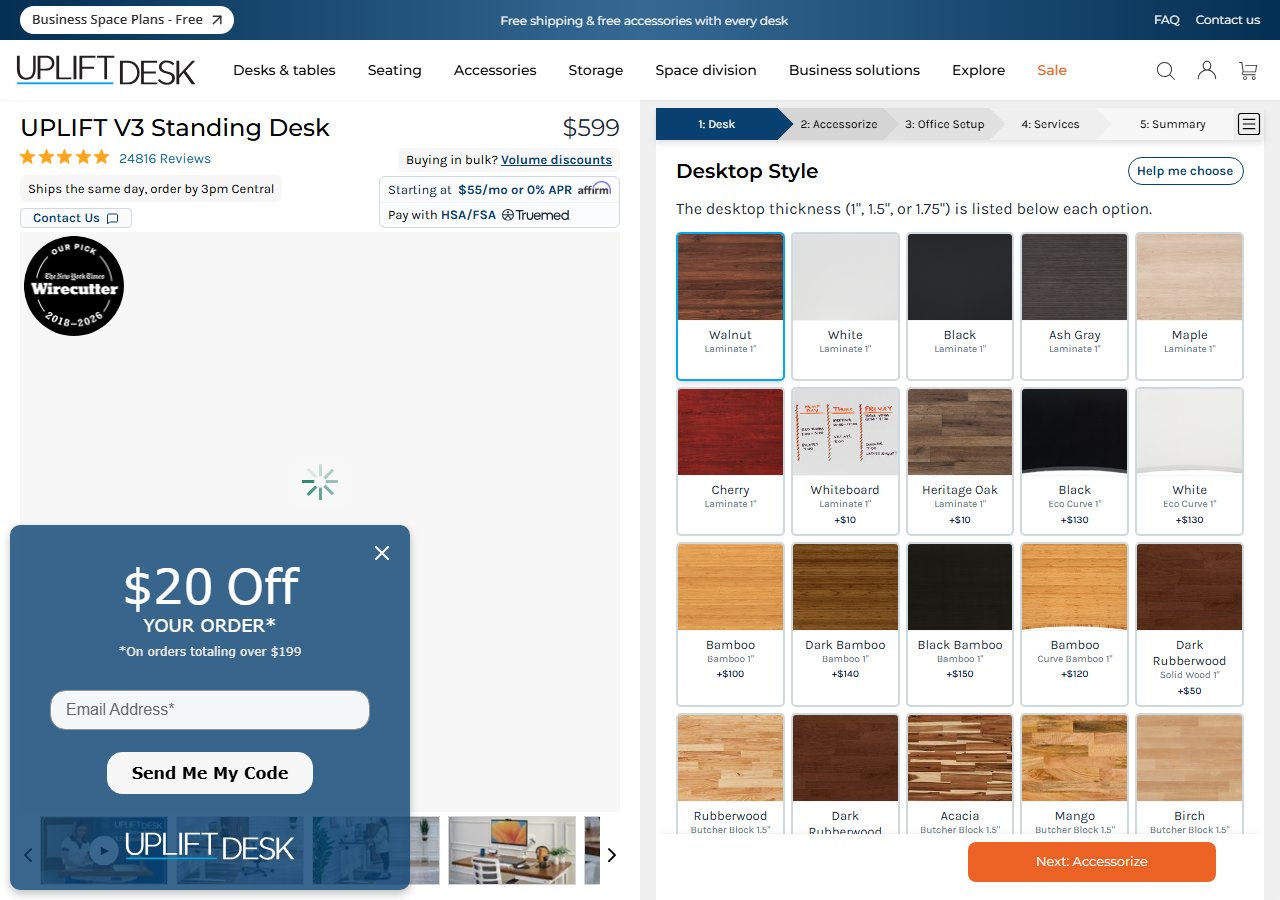
UPLIFT V2 Standing Desk
$599-$1,299
See Price at UPLIFT →
Fully Jarvis Bamboo Standing Desk
$549-$1,049
See Price at Fully →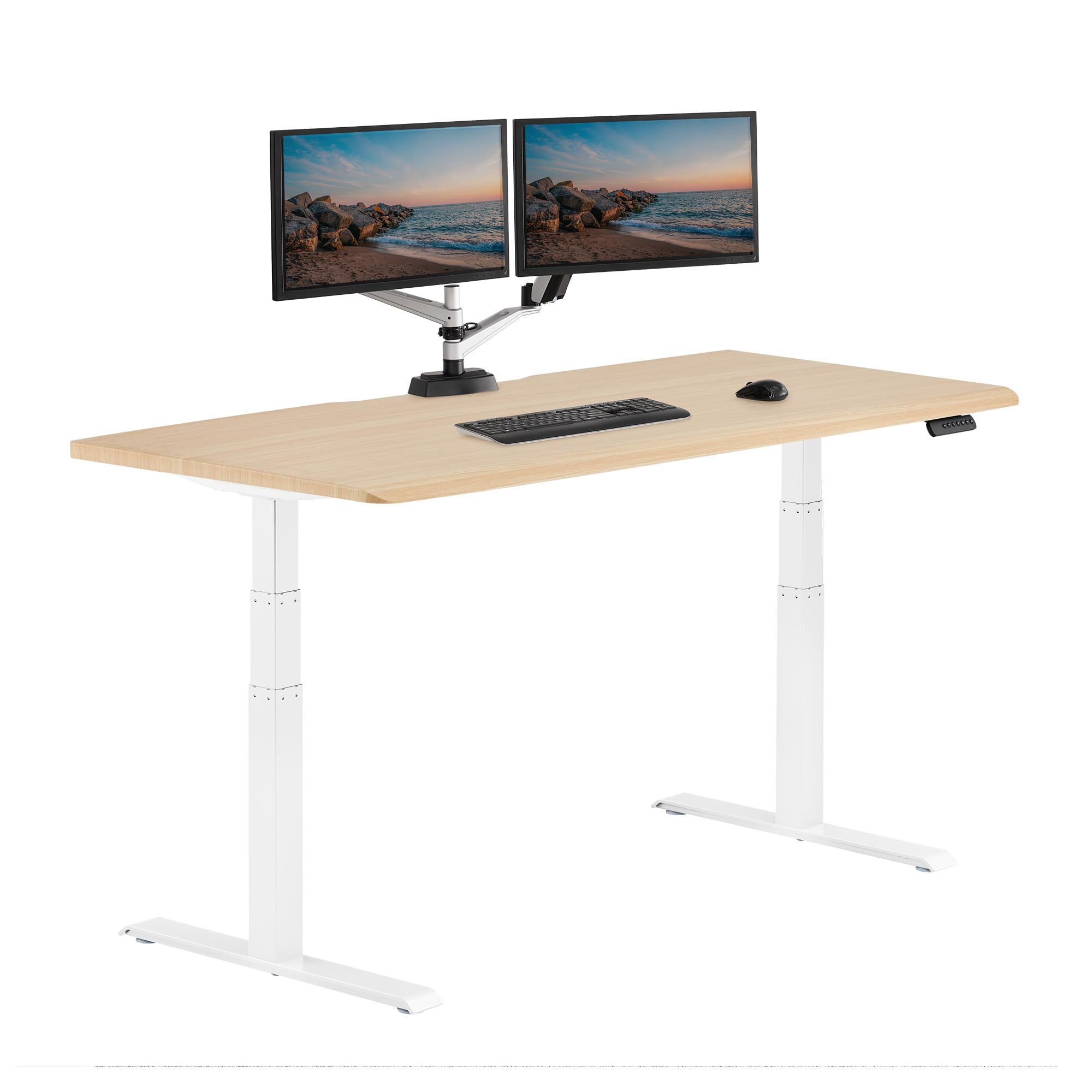
Vari ComfortEdge 72x30 Inch Electric Standing Desk – Height Adjustable Large ...
$999.00
Check Price on Amazon →Putting the Hierarchy Together: A Developer's Action Plan
The federal data is not ambiguous. CDC surveillance documents 9.5 hours of daily sedentary time among office workers. BLS data confirms that more than 100 million Americans — including essentially the entire software engineering workforce — are in primarily seated occupations. NIOSH's Total Worker Health framework classifies ergonomic intervention as primary prevention. And CDC physical activity guidelines set the minimum weekly activity standard at 150 minutes of moderate exercise plus two days of strengthening — a bar that a standing desk alone does not clear.
The action sequence for a developer experiencing postural fatigue, neck tension, or lower-back discomfort is:
- Audit your current setup against OSHA's workstation parameters — elbows, monitor height, screen distance. Fix these before buying anything.
- Implement a 45/15 sit-stand alternation protocol with an alarm or app. Do this for two weeks on your existing desk.
- Assess your weekly activity against the CDC 150-minute standard. If you are below it, a standing desk will not close that gap.
- Add an anti-fatigue mat and check your footwear if you are already standing periodically.
- See a clinician if you have radiating pain, numbness, weakness, or symptoms that have persisted more than four to six weeks despite the above.
- Then, if the protocol works but your fixed-height desk is the limiting factor, invest in a motorized sit-stand desk. The UPLIFT V2 is the top pick for stability under a full developer load. The Fully Jarvis Bamboo is the best option for developers who prioritize sustainable materials. The Vari ComfortEdge is the right call for large-surface or multi-monitor setups.
The desk is a tool in service of a protocol. The developers who get the most out of a sit-stand desk are the ones who already had the protocol. Start there.